View building models in 3D and ask about them
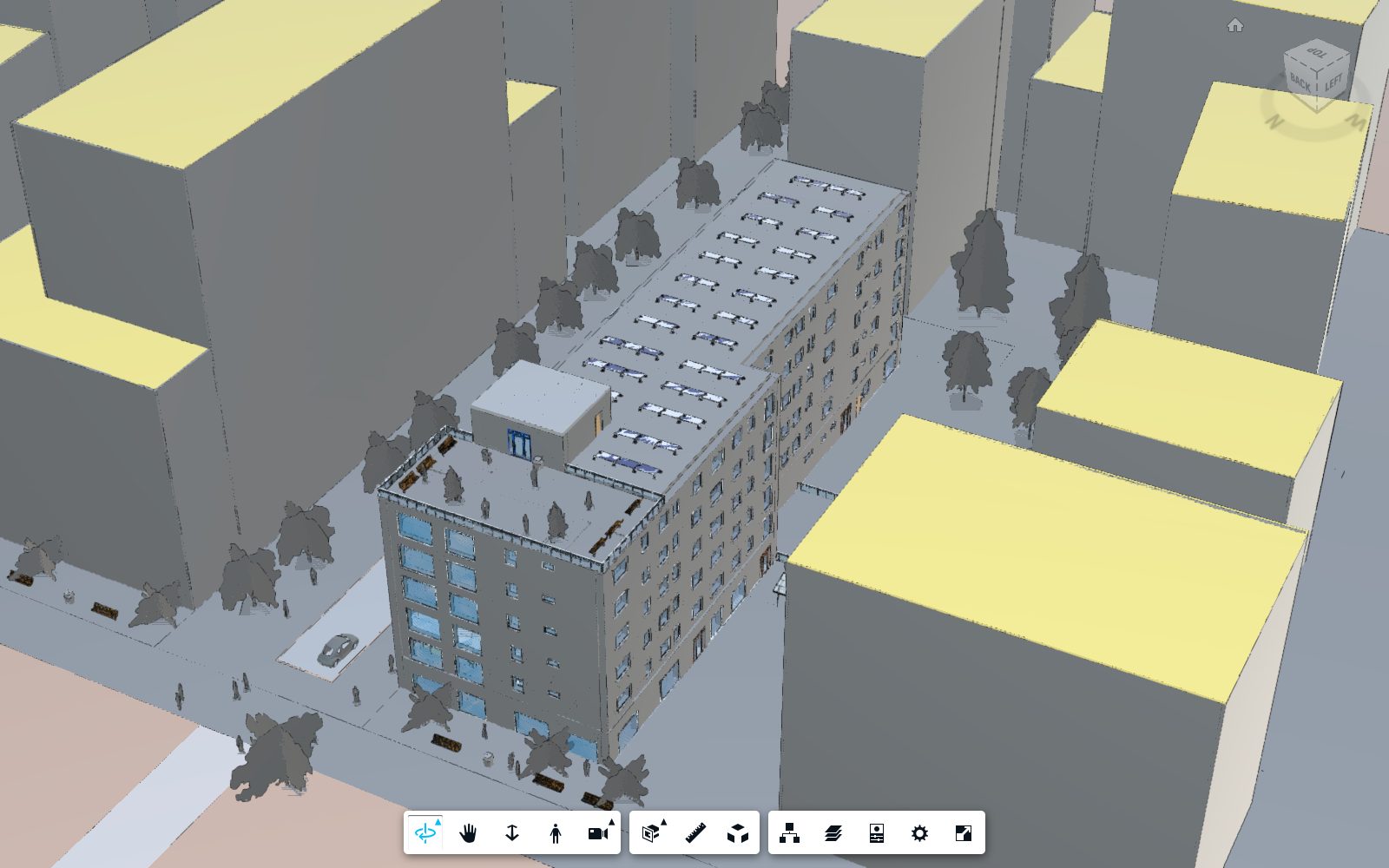
Upload a Revit or IFC model to a project, walk through it in the Autodesk viewer, and ask the assistant how many walls, doors and windows it has, which levels it spans and how large each room is.
How it works
Create a project
A project holds the models of one building. Each project gets its own storage bucket on Autodesk Platform Services.
Upload a model
Revit, IFC, Navisworks, DWG and other files go straight to storage, then Autodesk translates them for the browser viewer.
Explore and ask
Orbit, section and measure the model, check its summary, or type a question to the assistant.
What you can ask
The chat runs on a Dialogflow agent. It recognizes the question; the answer is read from the model you have open, so it is always about your building.
- How many walls are there?
- Counts them and isolates them in the viewer.
- How many levels are there?
- Lists the levels from the lowest up.
- What is the size of room 24?
- Gives its floor area and highlights it.
- What are the walls made of?
- Lists the wall materials used most.
- Explode the model
- Pulls the model apart so you can see its parts.